Archive for the ‘Medical Education’ Category
 February 10th, 2010 |
  Author: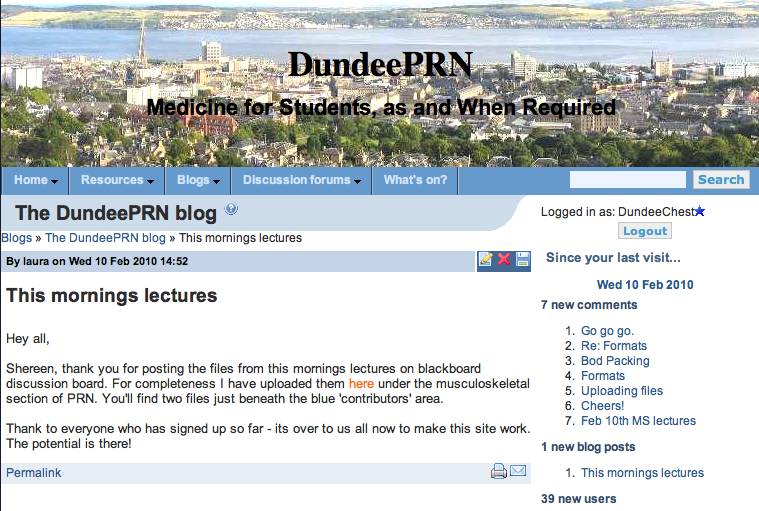
Launching Today!
It’s web 2.0, then? What happened to web 1.1.4, and web 1.3.8? What about web “Snow Cheetah”? Well, it’s web 2.0 until we get to web 4.0, I’m told. So about time we got with the program, and brought the Dundee Medical Course into the “teen-ies” (after the nought-ies….). The Dundee Blogging Network aims to do just that, and spearheading the attack is DundeePRN. I don’t know of any other medical school who is running the same thing: a student led; student written; student delivered; student edited, moderated and administrated web based resource of the same scope as DundeePRN.
A couple of the students have put in literally hundreds of hours over the past 4 months putting this together, and the fruits of their labours are starting to be evident now.
We launched the site during lectures today (DundeeChest braving the outside world despite his precarious post operative condition), and already we have over 60 users registered with the site. We start the analytics from today, to see how the site is utilised – we hope to get the other years involved in this as soon as possible.
The site is available to everyone and anyone – some pages are only visible to registered users, but there’s nothing stopping anyone registering.
Exciting times…
 Posted in Editorial, Featured, Medical Education |
  Tags: blogging, DundeePRN, launch |
  No Comments »
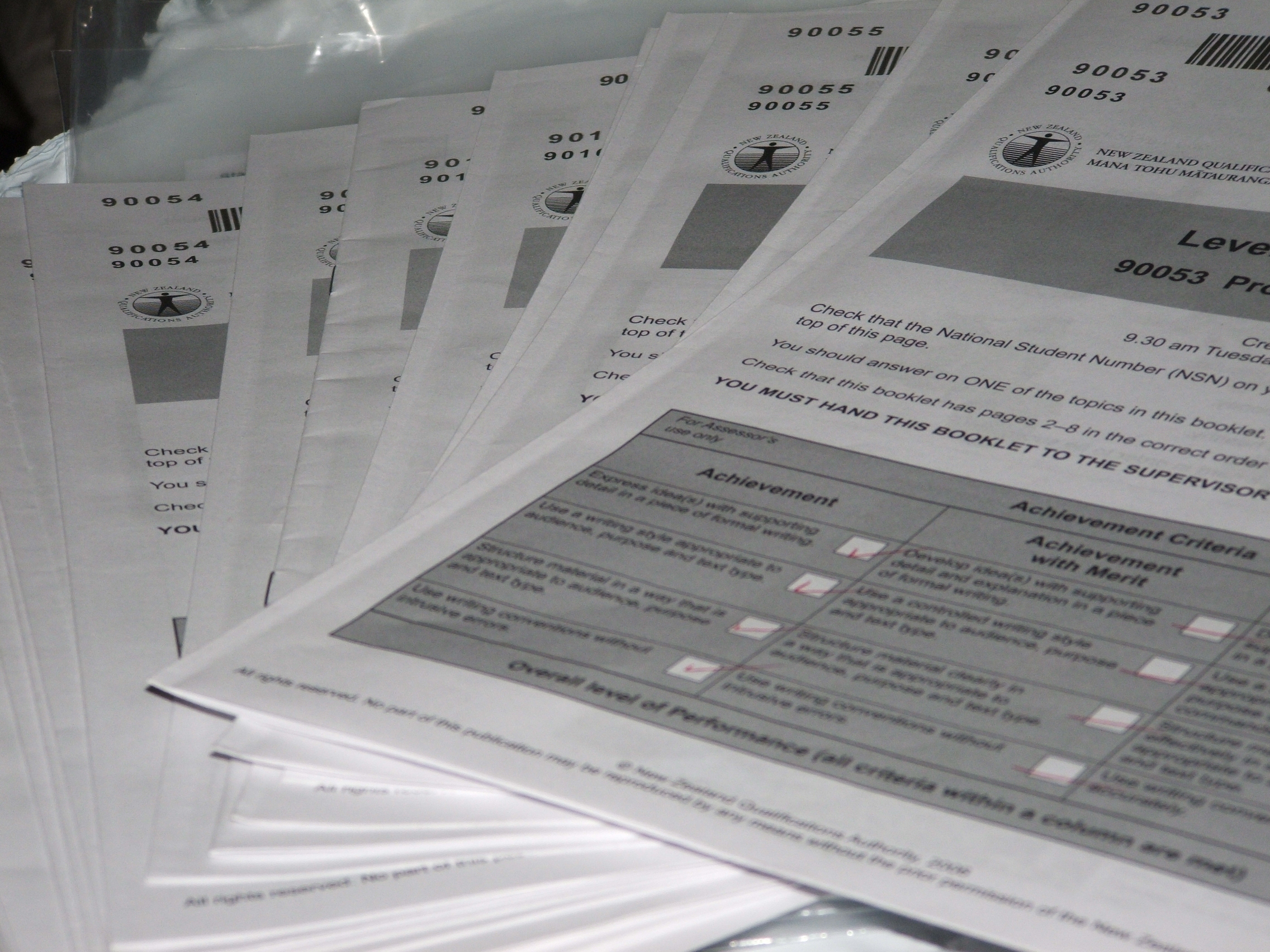
Sitting an exam soon?
Exams. Medicine is all about taking exams. End of year in medical school, finals, membership, fellowship, exit exams, revalidation. It never seems to stop, does it? It’s easy to get despondent – there’s so much out there to learn, and it all seems a very daunting. I’m irrepressibly glass half full, about pretty much everything, so revising for exams fills me with as much excitement as it does tripidation. How so?
The revision sites, the question books, the guides, the textbooks – they all give tests to let you know how you’re going. Getting the answers wrong could get you down – but the way I see it, every question you get wrong leads to learning something new, the correct answer hopefully. Each wrong answer is the first step to a new learning journey. Isn’t that exciting?
The same is true for all the ward teaching, the out patient teaching, the practical sessions, the tutorials. In my experience, the students I teach sit or stand like rabbits in the headlights whilst I ask questions – we’re not trying to catch them out, we just want to know what they know, so we don’t go over new material, and get an idea of knowledge base. The opportunity is there for you students – just ask.
Think about how much time you have spent saying nothing when asked a question over the time you’ve been a student. The time sat looking awkward, glancing side to side, gazing alternately at the navel or the ceiling hoping for inspiration. All that cumulative time that could have been spent learning something. Those of you who know me will readily accept that I’d rather be talking that listening to silence.
So next time you’re in a learning situation, and someone asks you a question you don’t know the answer to, rather than clamming up in silence, why not use that time more effectively?
“I don’t know” is my cue to tell you the answer; and you learn something. And I do like teaching you lot things. In person, or on-line.
Don’t forget Ask Dundee Chest, where you can ask us questions about respiratory medicine, or you can e-mail me by clicking here. About anything. I’ll reply. Honest.
X-Posted from DundeeMedEd
The ITA staff, and the medical computing staff, have arranged a trial of a SMART-board – an interactive whiteboard. What is an interactive whiteboard? The idea is this:
A normal, standard projector, projects an image against a specialised board with a “sensor array” behind it. Specific “pens” can be used to draw on the screen, or move anything projected onto the screen; basically think Minority Report, but in 2D. It’s more like the screens they use in CSI, or Silent Witness.
So why should we be excited about an interactive whiteboard? The obvious advantage is to be able to combine high fidelity images and slides, with hand drawn annotation, or doodling; a combination of a flip chart/blackboard with powerpoint/keynote. More interaction with the presenting material.
So how did it go? I have to admit to being fairly thoroughly underwhelmed. Problems:
The projector/board set up has to be set up and calibrated every time it’s moved. This might not be a big problem if the system is set up permanently in one place, but one of the main attractions of the system is that it is portable, moveable between sites, and around the room. The more expensive versions have built in projectors above the screen, but they still need recalibrating every time they’re moved.
The projector, no matter whether it is in front, or above the screen, casts a shadow. We’ve all been in lectures where the lecturer decides to forgo the mouse pointer, or the laser pointer, and use a finger at the end of an arm to point to something on the screen. A bloody great shadow appears over the screen, obliterating what we’re trying to see. This is inherent in the system of projection, and I think might be a big stumbling block
The calibration is not perfect. Today the finger needed to be a good 3 cm below where one wanted to “click”. I found myself using the trackpad on the MacBookPro, as it’s accurate.
The software is complex. Very complex. I’m told that the presentation given by the rep was a magical tour de force of Minority Report standards: grabbing youtube videos, clipping flash objects, pushing and pulling objects around, exporting as a PDF, recording a video of the presentation. But today, sans rep, we couldn’t import a PowerPoint presentation, struggled with the tools, and I left feeling as though we’d spent 40 minutes faffing around.
That all seems a bit negative, but it is my first impression of the technology. There are potentials for improvement: I’m told that there is an overlay to put on a large screen TV which allows the finger to be used on the screen, in the aforementioned interactive manner. This is a much more attractive proposition to me – no shadow on the screen, permanent calibration (once the overlay is laid), and it can be moved about, so long as the screen is on a stand with wheels, of course. But the presenter still has to stand in the way of the screen to write on it.
So, what alternatives would I propose? Powerpoint already has an overlay solution – a click of the semi-transparent pen button allows the presenter to doodle on the screen, albeit with a mouse, rather than a pen. The doodler stands at the computer screen, not the big screen all the learners are trying to see. So it’s hard to write with a mouse, but it is built in, on the PC version of PP, at least.
What about “just” Powerpoint/Keynote? I put a lot of effort into my Keynote presentations – I know what I’m going to do during the lecture, so I make the appropriate animations, focuses, and builds to make the presentation interesting, or I like to think so.
So why do I need an interactive whiteboard? I don’t think I do, to be honest. I do my version of Just In Time Teaching with a flip chart and a connection to the internet – it fits the way I teach, so why complicate things?
This is my wish-list, for a presenting tool :
It needs to be better than what I have now; better, that is, than Keynote, Powerpoint, a flip chart, a connection to the internet, and me.
I want to be able to write on the presentation: using a mouse or trackpad is cumbersome, and my handwriting is bad enough already. I am a doctor, after all.
I want to be able to do the writing/moving/annotating/doodling without obliterating the presentation. Ideally I want to doodle on a separate screen, ideally hand held, and the image appear on the TV or projected up on the wall.
I think this is already in (near) existence. I know I’m an Apple maniac, but surely the iPad has a massive potential in this regard. We heard from Uncle Steve last week that the iPad will connect to a projector (I already have the connector, to connect my iPhone to the big TV in our seminar room), and we saw the Keynote app. demonstrated ably on the iPad, and the big screen. Was I the only person who, on seeing the drawing app. immediately thought of overlying the drawing app onto Keynote? Immediately we have the ultimate interactive presentation tool – I can move my Keynote presentations to the iPad, connect to a projector, wander with the iPad in hand, and use my stubby index finger to point, draw, animate, and navigate my presentation. Over 100,000 apps on the app store – someone with an SDK *must* be working on “my” app, mustn’t they?
The trial of the SMART board continues, and we will try to climb the steep learning curve. I think there is a will to get this kit for the medical school. If we do get them, there will need to be a significant investment in staff development to get anything like the most out them.
And me? I’ve put in a note of interest for an iPad, of course.
Posted in Medical Education |
Tags: DundeeMedEd, iPad, Keynote, Powerpoint, Presentations, Whiteboard |
8 Comments »


